
Taskify Installation Guide
This guide will help you install Taskify on a live server or a local computer. It includes step-by-step instructions for both environments, ensuring a smooth setup process.
Key Considerations Before Installation
Before you start, please keep the following in mind:
Database: Do not import the database manually. Taskify’s auto-installer handles database creation and migration automatically.
ZIP Extraction: When extracting the downloaded ZIP (e.g.,
vx.x.x - Project Management - Task Management & Productivity Tool.zip), ensure no “path too long” issues occur. If prompted, move the ZIP to a shorter folder path, rename it to a shorter name, and extract again.
Installation on Live Server (cPanel)
Follow these steps to install Taskify on a live server using cPanel:
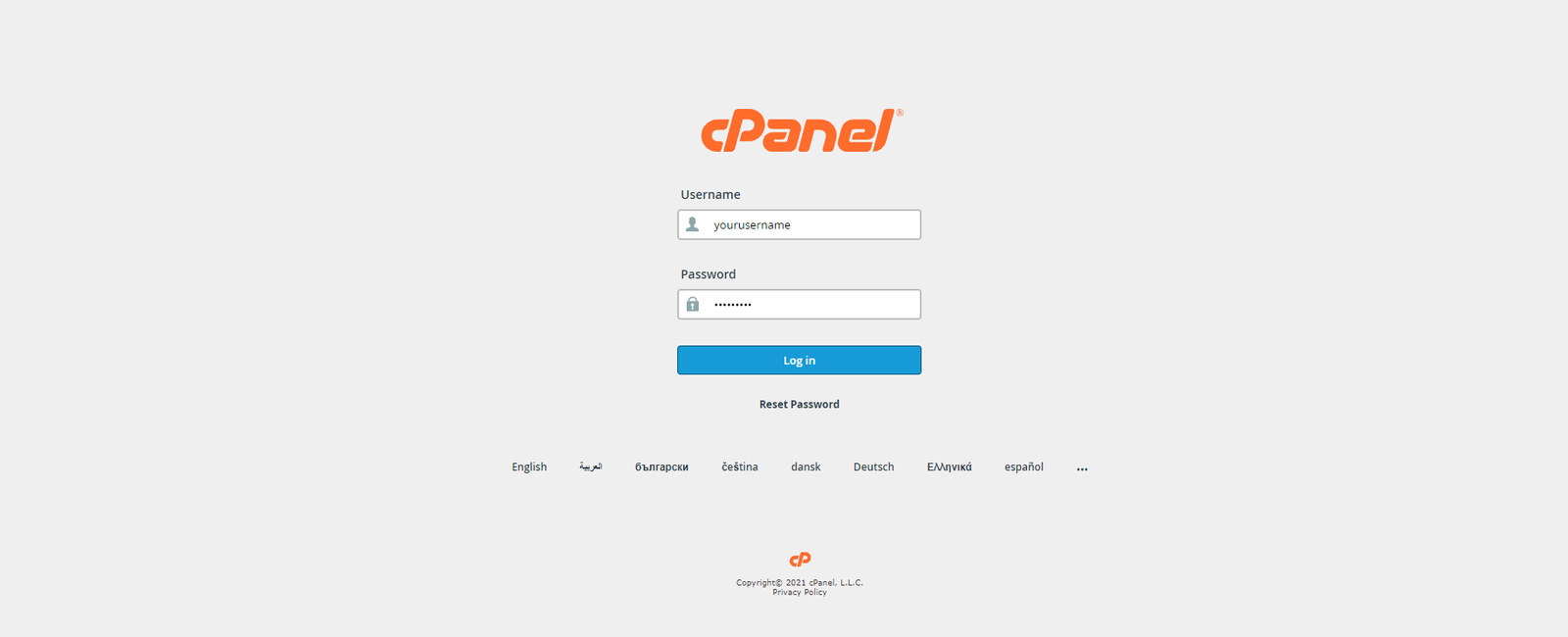
Login to cPanel for your hosting account.
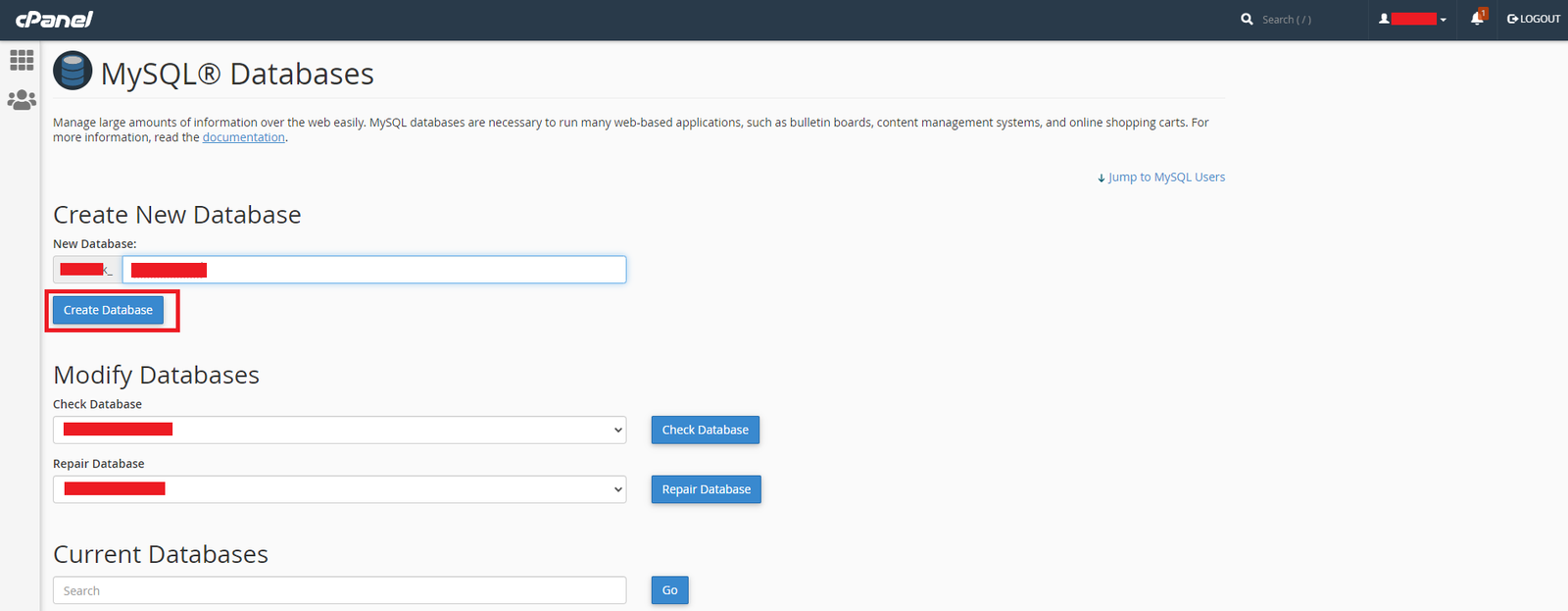
Database Setup:
Go to Databases → MySQL Databases.
Create a new database.
Create a database user and assign it to the database. Make sure the user has all privileges.
Upload Files:
Open File Manager.
Navigate to
public_htmlorpublic_html/your-taskify.in(the folder your domain points to).Upload the downloaded ZIP file (
Code vX.X - upload this on server.zip).Extract the ZIP file.
Verify that all files are present in
public_htmlorpublic_html/your-taskify.in.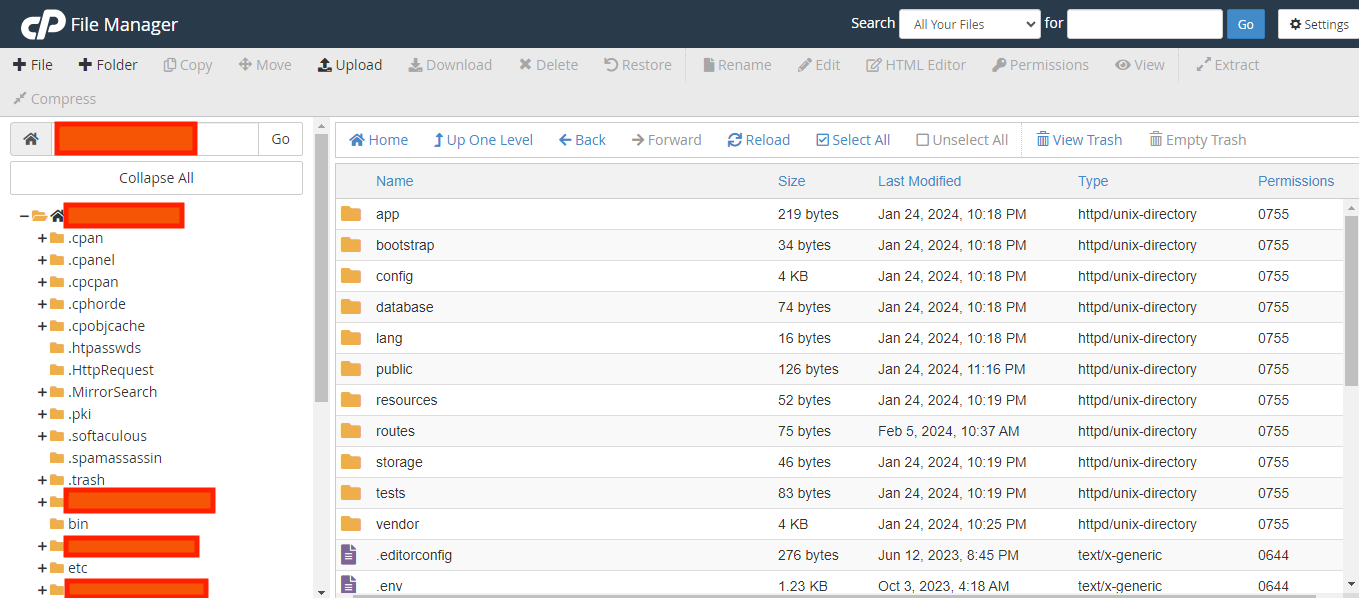
Run the Installer:
Visit
http://your-taskify.in/installin your browser.Enter the database details you created earlier.
Configure the admin details (name, email, password).
Click Install.
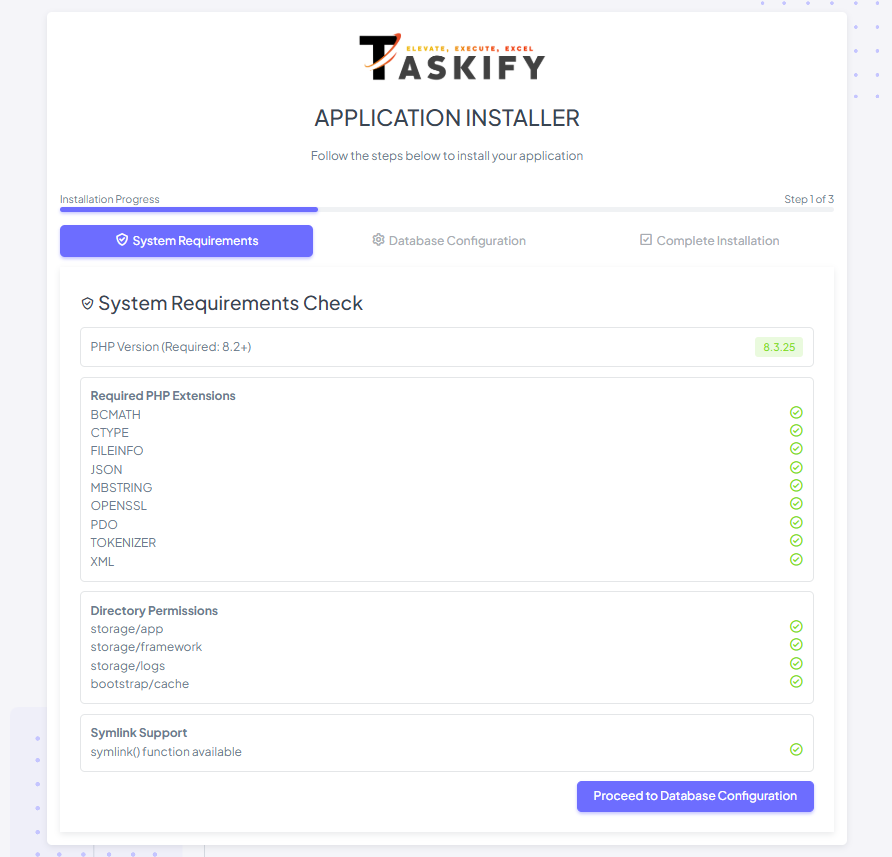
After successful installation, your application is ready at:
http://your-taskify.in/Optional Configuration
Symlink Storage:
php artisan storage:linkPermissions: Make
storageandbootstrap/cachewritable:chmod -R 775 storage bootstrap/cache chown -R www-data:www-data storage bootstrap/cacheCron Jobs & Queue Worker: Configure for background tasks like notifications.
SSL Certificate: Recommended for live servers.
Troubleshooting
Database connection issues: Verify
.envcredentials and database user privileges.Missing files: Ensure ZIP extraction completed successfully.
White screen / 500 error: Verify PHP version and required extensions are installed.