
Meetings in Taskify
Introduction
Meetings are an essential part of collaboration, and Taskify makes it simple to schedule, organize, and conduct meetings directly within the platform. With built-in Jitsi Video Call integration, you can seamlessly connect with your team and clients without needing third-party tools.
Key Features of Meetings
Create Meetings: Schedule a meeting for a project, task, or general discussion.
Video Conferencing (Jitsi): Secure, high-quality video calls without additional setup.
Invite Participants: Add team members and clients as attendees.
Meeting Notes & Agendas: Keep track of meeting objectives and discussions.
Calendar Integration: All meetings are visible in your Meeting Calendar View.
Notifications: Participants get notified about meeting schedules and updates.
How to Create a Meeting
Navigate to the Meetings section from the sidebar.
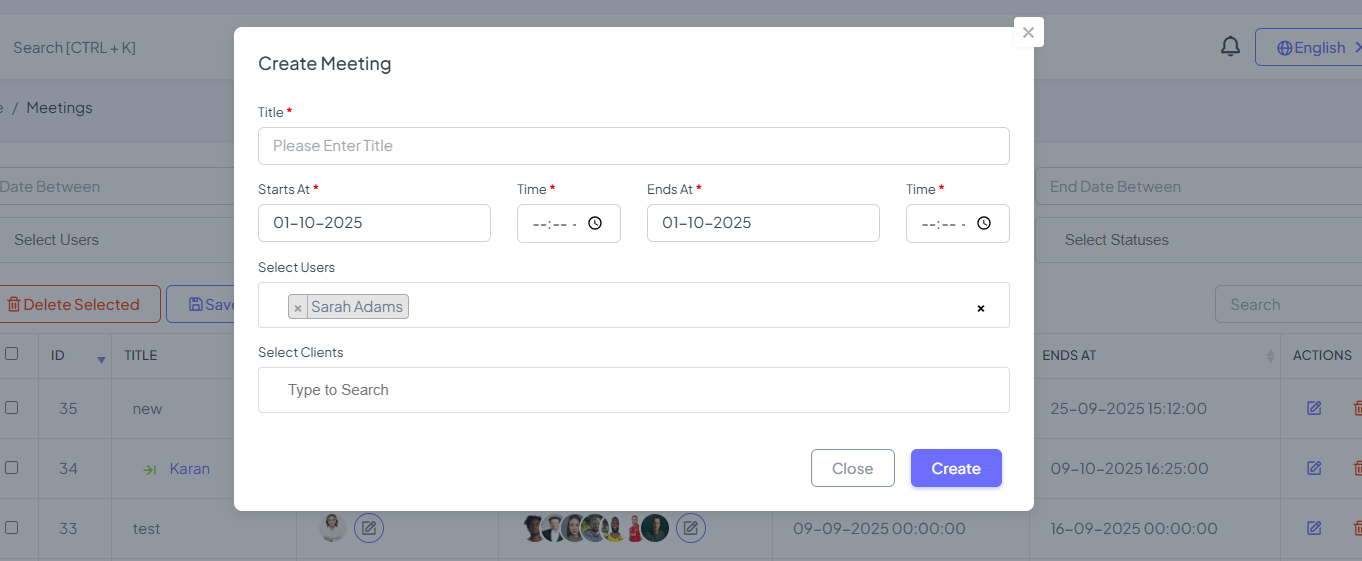
Click Create Meeting.
Fill in meeting details:
Title – e.g., “Weekly Sprint Planning”
Description – Add agenda or topics for discussion
Date & Time – Choose start and end times
Participants – Select team members and clients
Link – Taskify automatically generates a secure video link
Click Save to schedule the meeting.
Joining a Meeting
Go to the Meetings section or Calendar view.
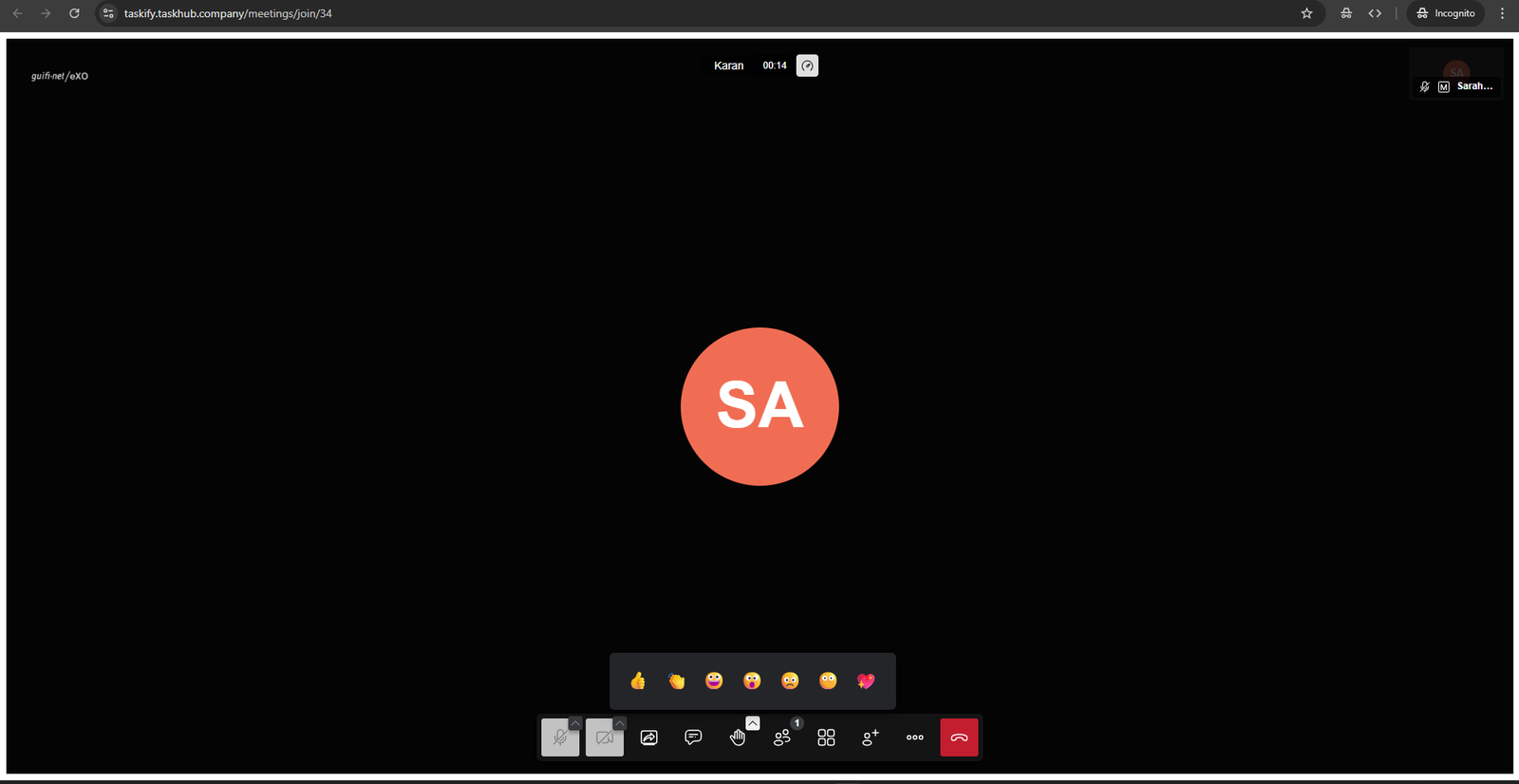
Click Join Meeting.
The call will open in a new window in Taskify.
Managing Meetings
Edit or Reschedule: Update date, time, or participants.
View Past Meetings: Access history of the meetings.
Best Practices for Meetings
Always add a clear agenda in the description.
Use the Notes section to capture key points and action items.
Keep meetings time-bound to ensure productivity.
Encourage participants to join directly from Taskify to avoid confusion with external links.
✅ Summary:
Meetings in Taskify help teams collaborate efficiently with built-in video conferencing and scheduling features. Whether it’s daily stand-ups, client calls, or project discussions, Taskify ensures your meetings are organized, accessible, and productive.